Product UI and content foundations
Compose marketing, data-heavy product surfaces, docs, and localization from shared primitives.
On this page
Canonical source
This public guide is distilled from docs/MARKETING-COMPONENTS.md, docs/CHARTS-AND-DIAGRAMS.md, src/features/documents/MODULE.md, and src/features/tasks/MODULE.md. Keep implementation detail in those repository documents.
A real presentation system
Prop-driven heroes, CTAs, feature layouts, pricing, social proof, content cards, and sections share the application design system. Typed docs and blog catalogs publish through maintained public routes.
Data interfaces with accessible defaults
Table, virtual-list, chart, hierarchy, network, flow, and Mermaid recipes use deliberate loading, empty, error, keyboard, pointer, reduced-motion, and responsive behavior. Heavy optional families stay lazy so a visual does not silently become a bundle regression.
Documents with reviewable AI editing
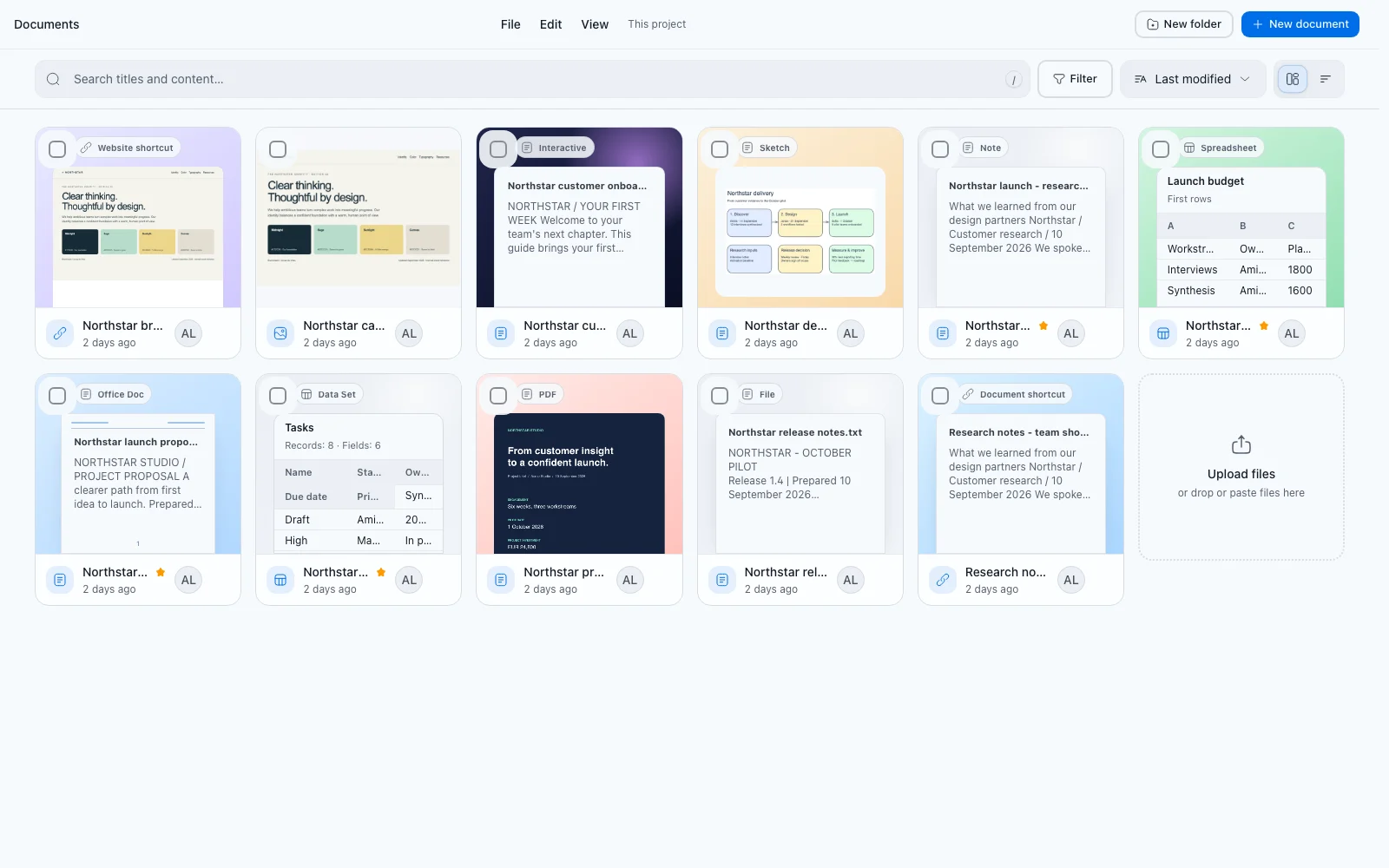
The Documents workspace combines responsive master-detail navigation, rich editing, preview, serialized versioned autosave, conflict recovery, and reading metrics. AI tools create permission-checked, version-anchored suggestions that remain editable and require an explicit replace or append action.
Compatibility identifiers such as the notes table, Electric Shape, command IDs, and process topics remain stable until a separately reviewed resource-evolution narrow phase. Product routes and copy use Documents now, while existing links redirect safely.
Create, collect, and reuse
Start documents from Templates, then fill reusable values from organization Variables or override them within the document. Document themes control presentation across documents.
Use File → Create form from variables to turn a saved document into a form. The form’s Settings link back to its source document; existing share links keep their saved snapshot. Submissions contains responses and the connection to a response workbook. In a document or workbook, open Connected forms in the header to find forms that use it or write responses there.
Personal Dashboards summarize project activity. Table and list rows link to active documents, folders, automations, and visible background runs where the source provides an exact destination. Form-specific response analysis remains in each form’s Submissions tab.
Plan the work beside the documents
Tasks keeps project planning in the same workspace. One collection of tasks opens as a list, board, priority matrix, editable table, or duration analytics, and every view shares the same status cards, search, filters, and due-date toggles.
A task carries its owner, business area, source, due date, and specification, and it can be blocked by another task in the same project. Assignments are checked against current organization membership when the change is saved, and a blocking task has to be done or cancelled before the task that waits on it can start.
Was this page helpful?
Feedback is stored only in this browser in the starter implementation.