Finance and the monthly review
Seven pages that hold the budget, the costs, the money in, and the exceptions that need a person.
On this page
Where this comes from
This guide is distilled from docs/GROWTH-FINANCE.md and src/features/growth-kit/help/content/finance.ts. When the guide and Growth-OS disagree, that document is the one to trust, and the difference is worth reporting.
Seven pages, read by project administrators
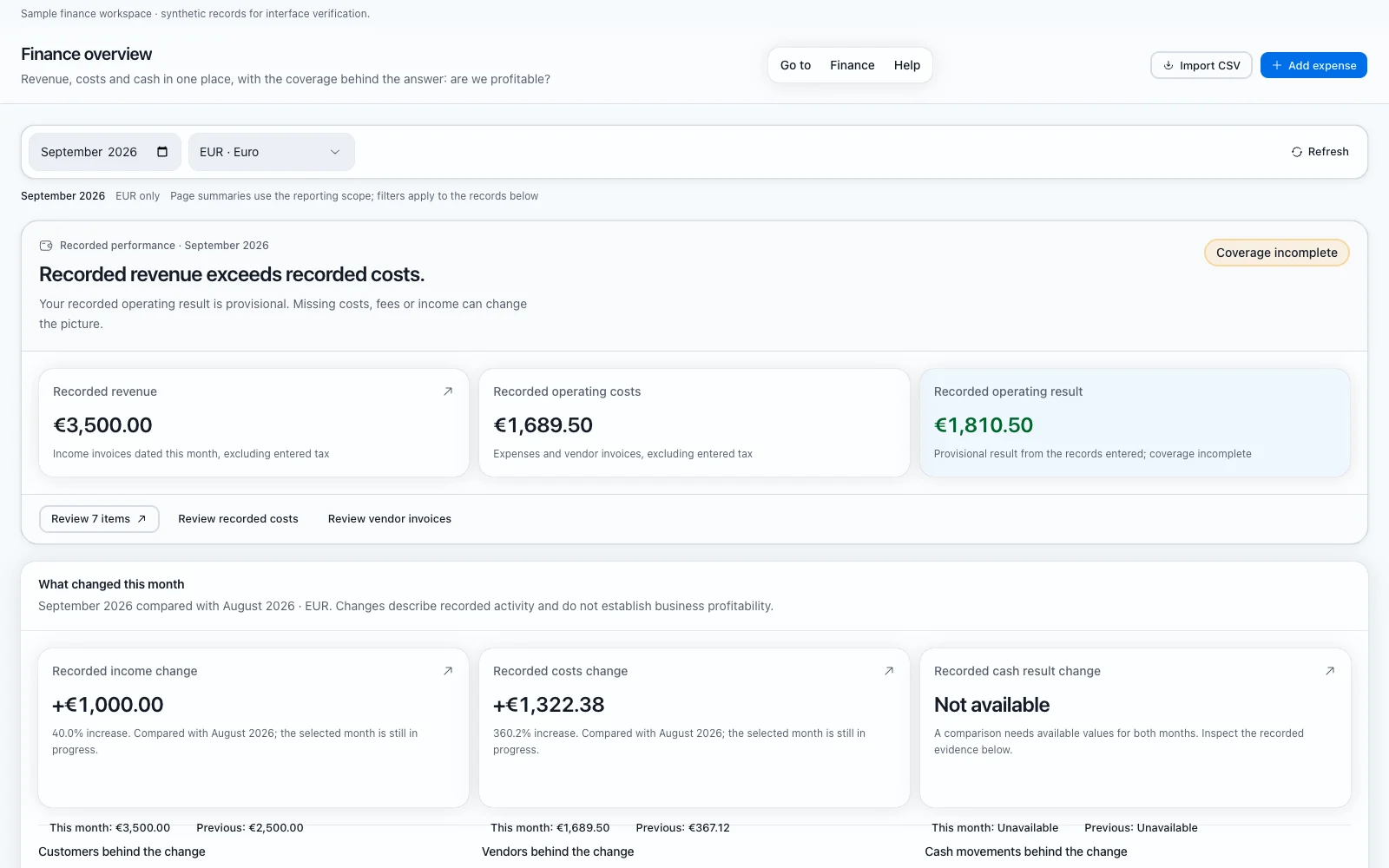
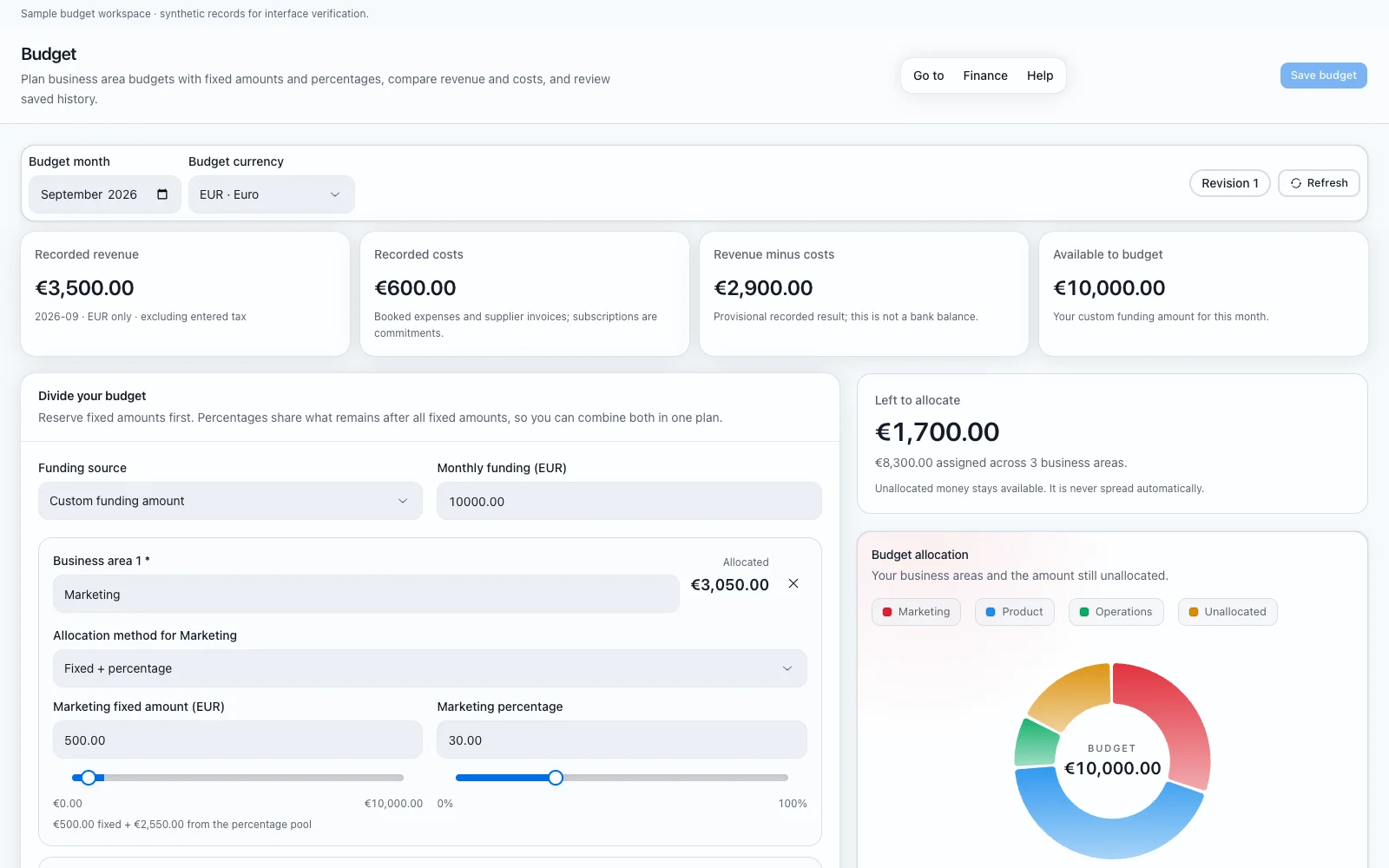
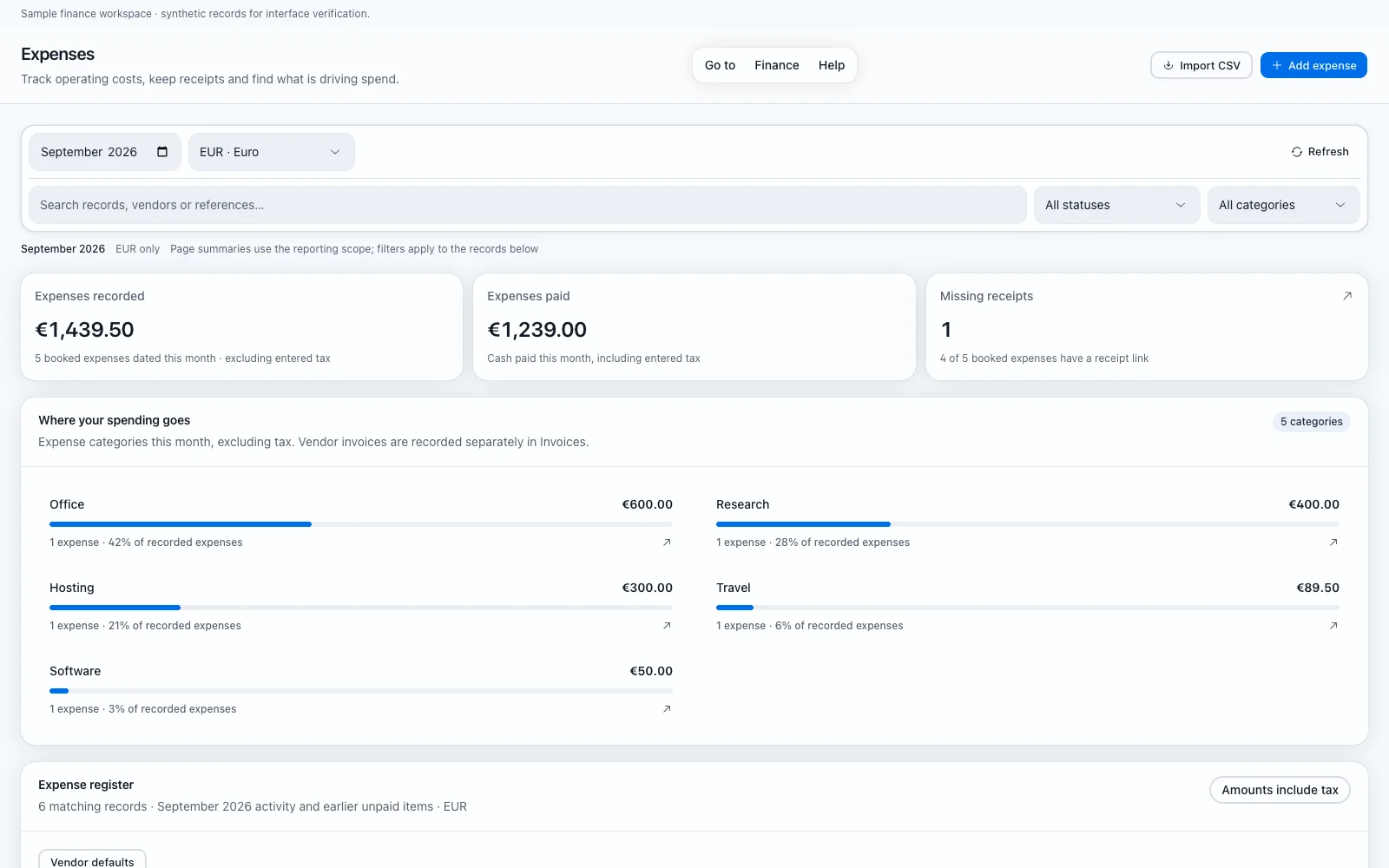
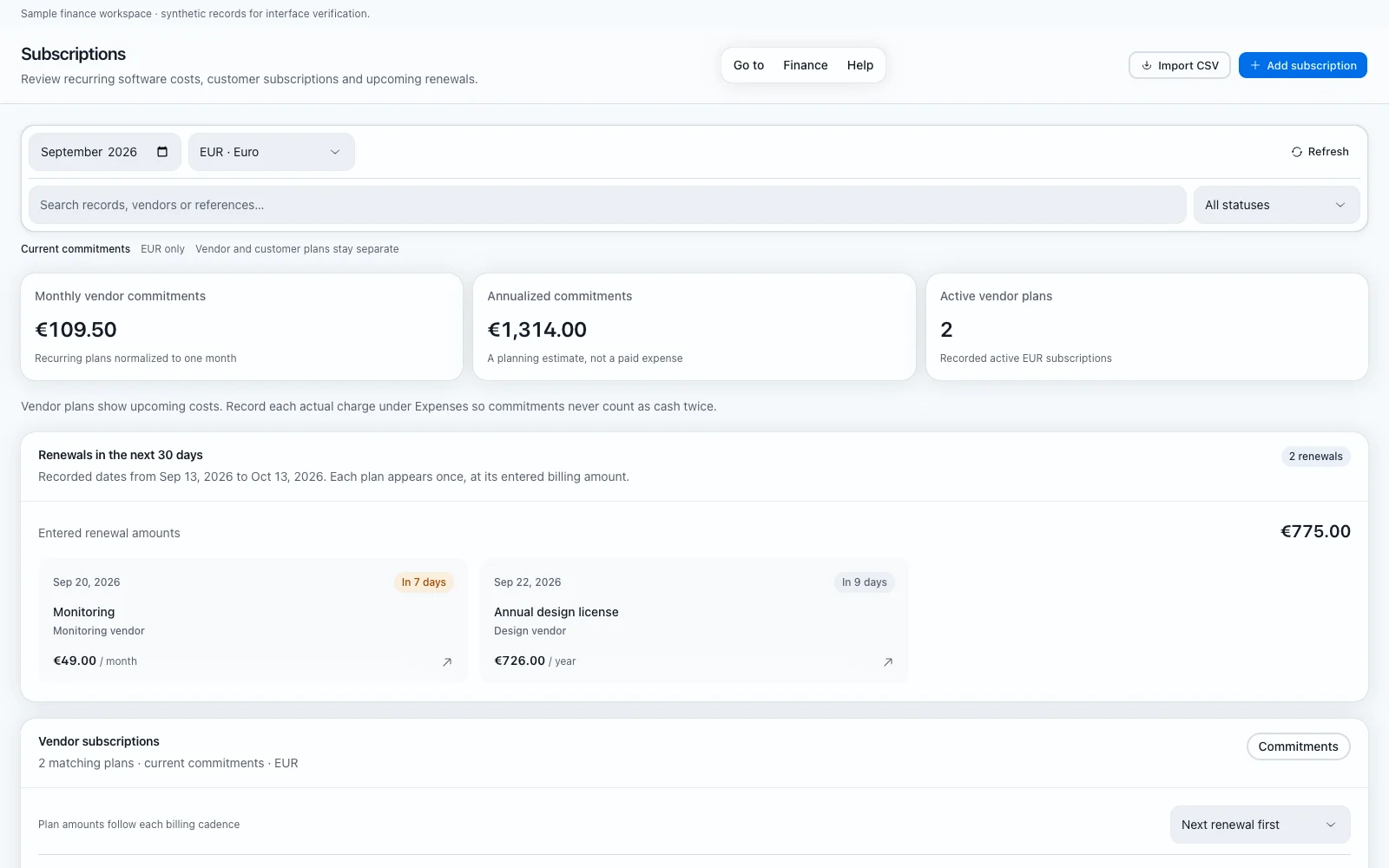
Finance is the last group in the sidebar and it is closed to editors and viewers. Overview compares the recorded operating result and cash for one month and currency. Budget divides monthly funding between business areas. Expenses, subscriptions, payments and invoices hold the records behind those figures, and review is the queue of exceptions that need a person.
Keep original documents in our existing storage and link to them over HTTPS rather than uploading them here.
A positive result is provisional
Missing payroll, fees, accruals or invoices can change it. Cash collected is not revenue recognition and it is not the bank balance, and a subscription commitment is not a booked expense. Read the overview as what has been recorded so far, then open the records behind it.
Record a supplier invoice or an expense once, keep included tax separate, and do not book the same supplier invoice twice.
How a budget divides
Choose a month and a currency, then use revenue after necessary costs or enter custom funding. Add business areas, reserve fixed amounts, and divide the remaining pool by percentage. All percentages use the same pool after fixed amounts, and a total above 100 percent or above the available funding blocks the save.
Figures use the selected currency without conversion. A saved revision keeps its original funding and figures while the current preview follows the latest loaded ledger. Budgets do not move money.
Payments and invoices
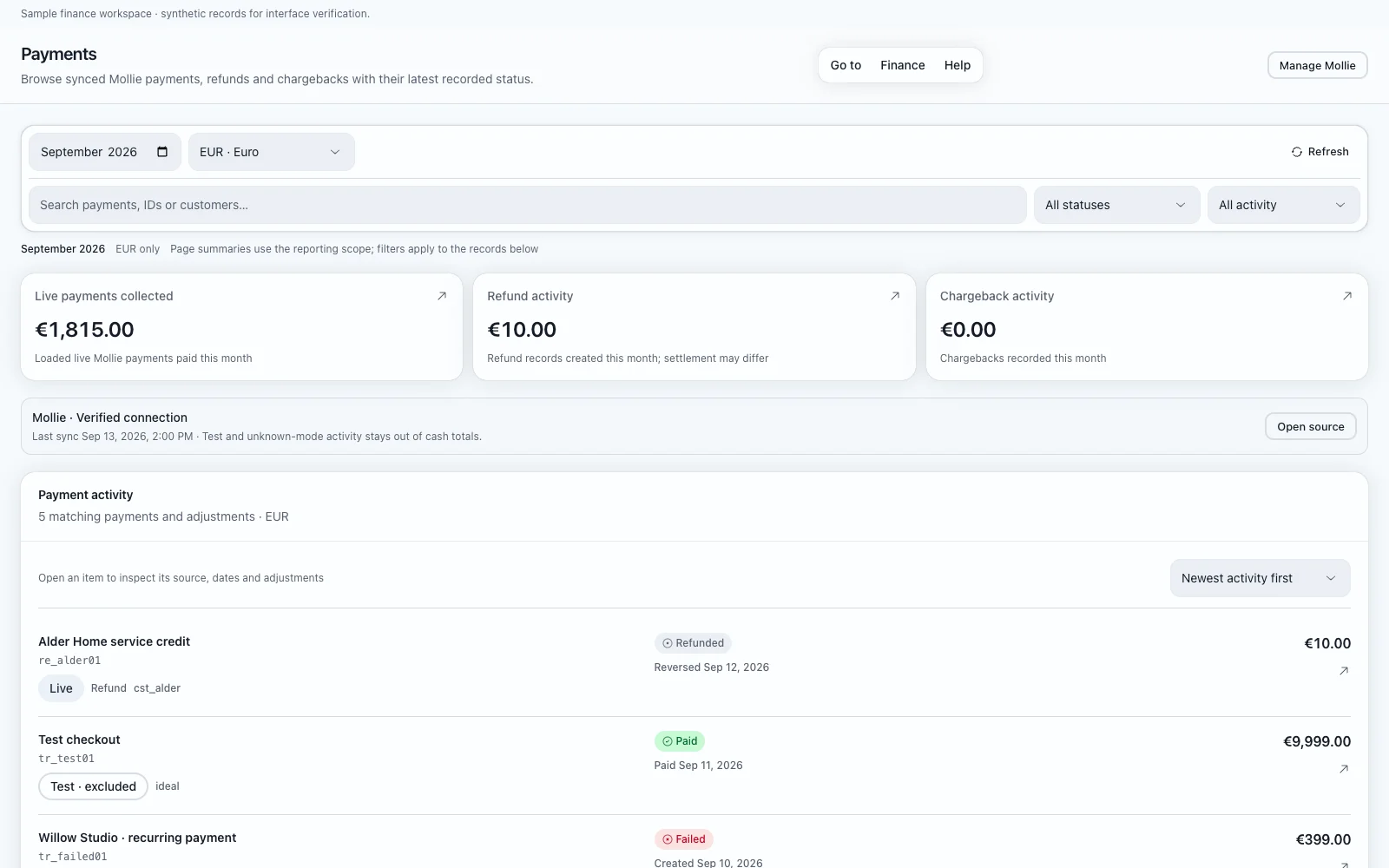
Payments browses the payment, refund and chargeback states recorded for this project. Refreshing reads stored data and does not force a provider sync. Test payments stay labelled and stay out of business totals, and partial or stale syncs remain visible. No payment or refund can be sent from that page.
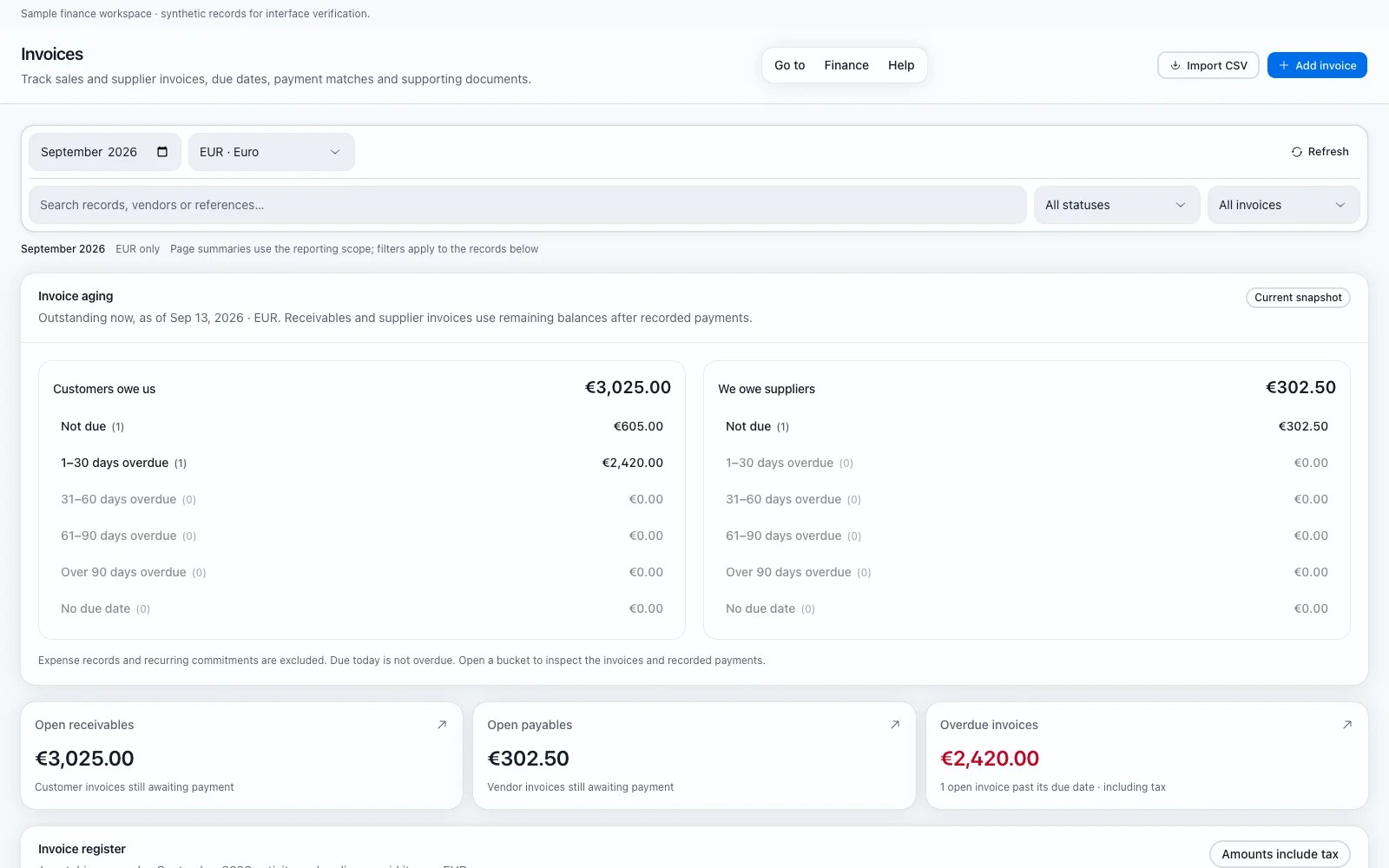
An invoice is added as receivable or payable with its reference, amount and included tax. A payment can match only one invoice and has to share its currency and total, and a matched invoice does not add a second cash receipt.
Mollie is designed to own customer payments and subscription movements. Connect it on the Sources page, which shows what is actually connected, and inspect its sync runs there.
The monthly review
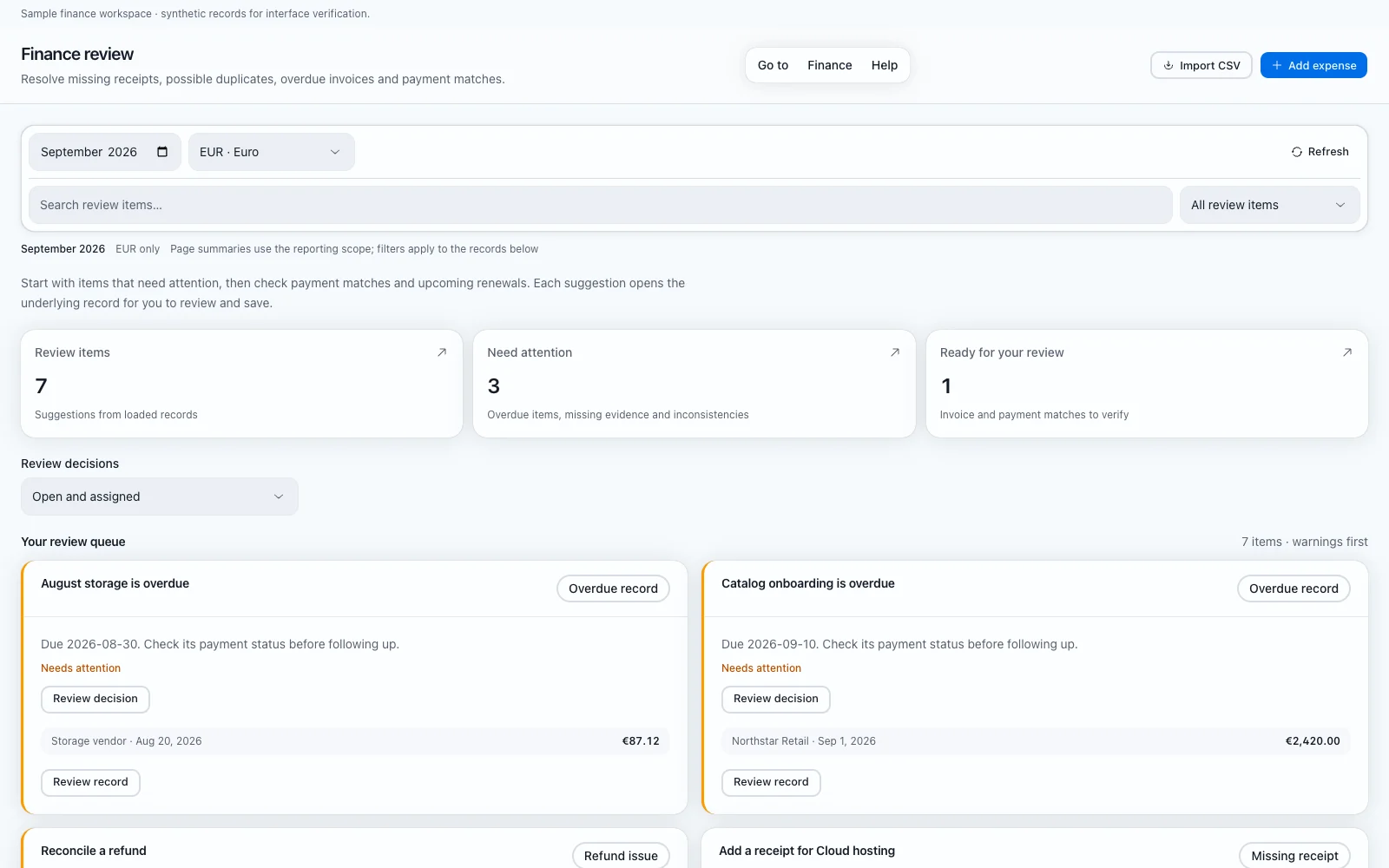
Review finds possible duplicates, missing receipts, unpaid invoices and renewal dates. Open a flagged record, check the source document, and make the correction yourself.
Similarity is not proof of a duplicate or a payment match. Suggestions use the recorded amounts, dates and references, nothing is saved until you act, and the queue does not email customers, cancel renewals or move money.
Was this page helpful?
Feedback is stored only in this browser.