Background work and your inbox
Long-running work reports its own progress, and a notification leads back to it.
On this page
Where this comes from
This guide is distilled from docs/PROCESS-SYSTEM.md and docs/BACKGROUND-JOBS.md. When the guide and Growth-OS disagree, that document is the one to trust, and the difference is worth reporting.
Work that takes a while says so
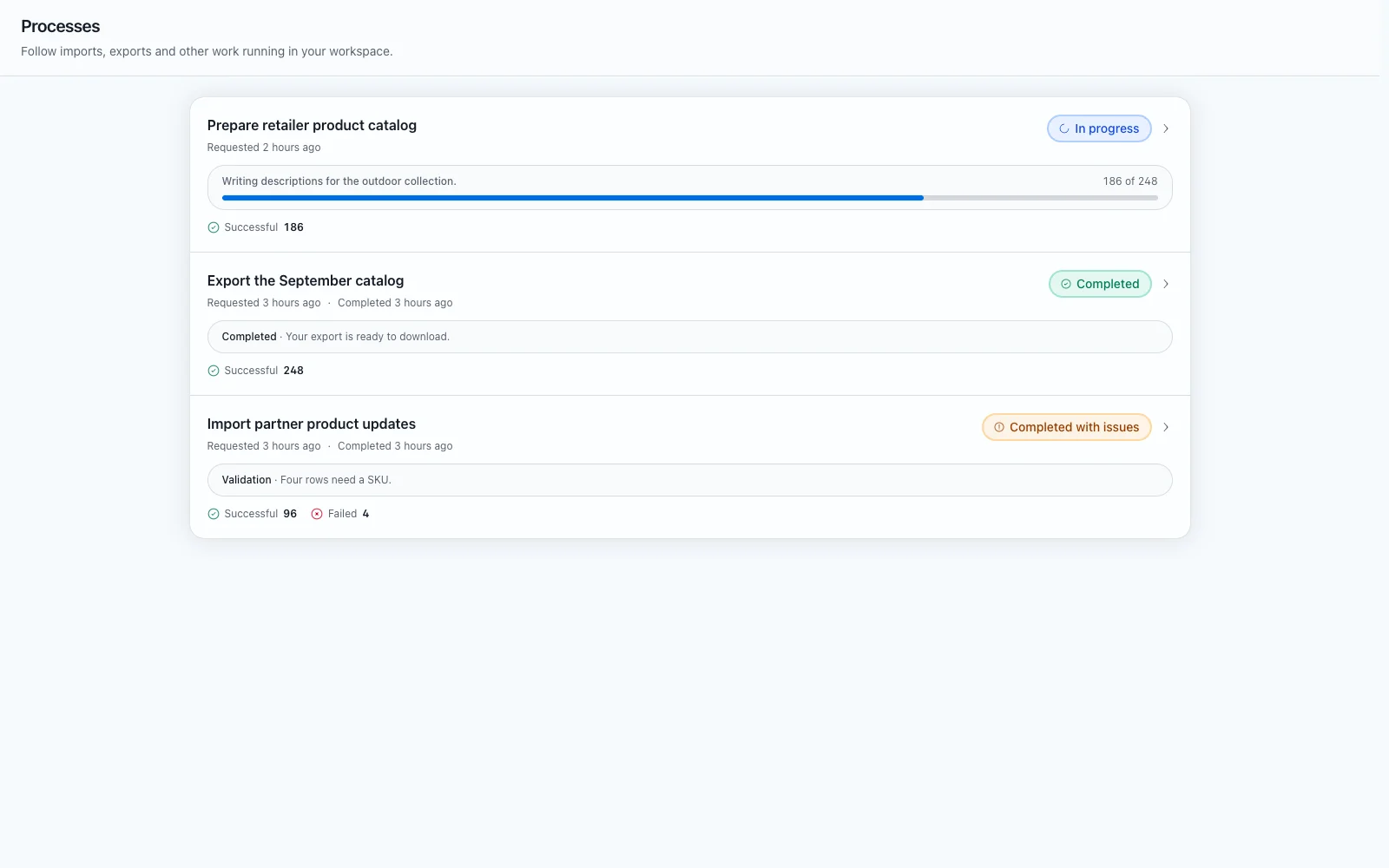
An import, an export or a long sync is accepted immediately and comes back as a committed queued snapshot rather than a spinner. Queued, running, waiting, succeeded, failed and cancelled are explicit states you can read.
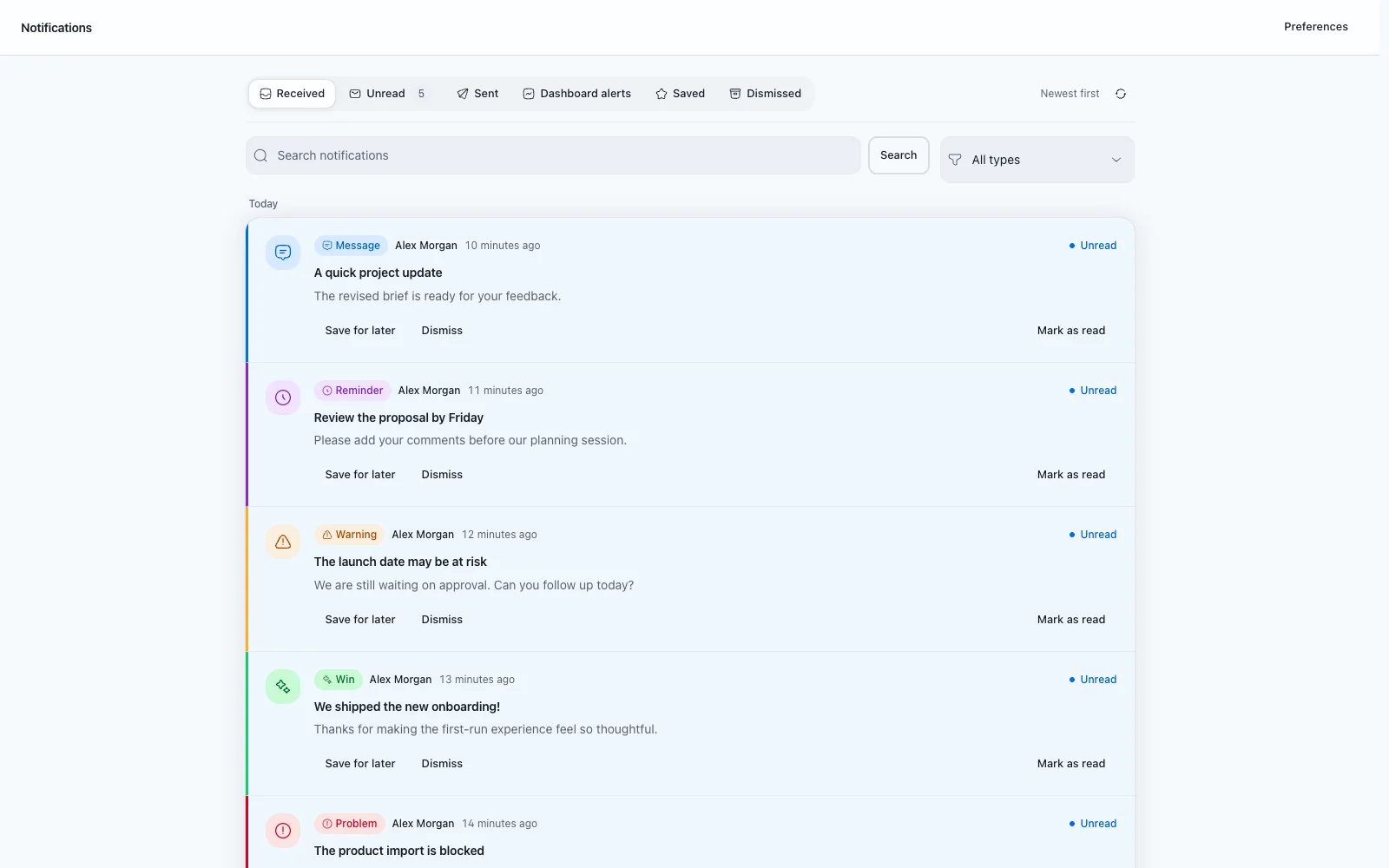
Milestones explain the meaningful stages of a run without storing provider payloads, and a terminal notification is scoped to the people it concerns and deduplicated, so one finished run is one message.
Following an automation through a run
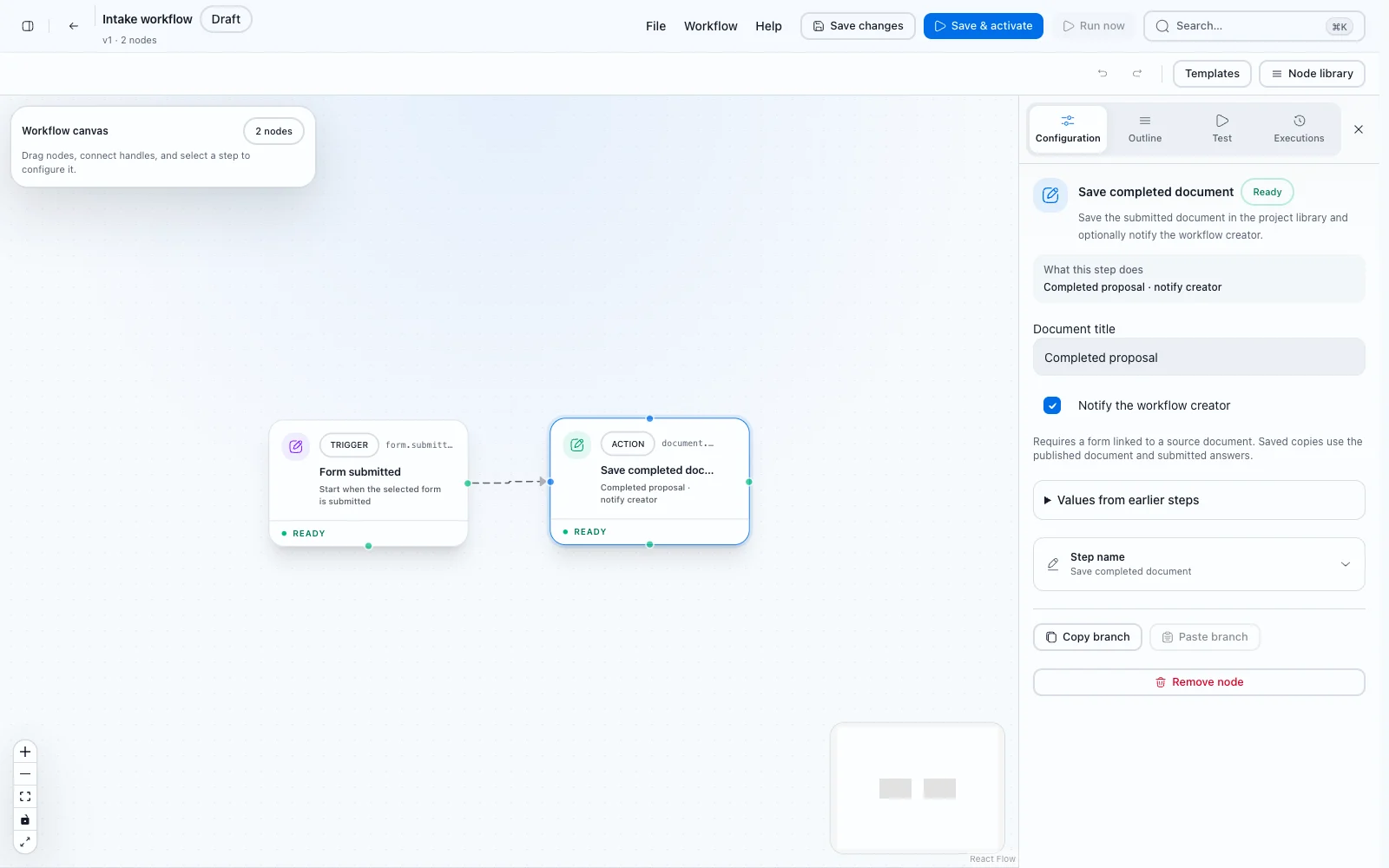
Open an automation to configure its workflow and inspect its run history. Each run links to Background work for progress and milestones, and the run detail links back to the automation and names the definition version that ran.
A notification in your inbox leads to the corresponding run when there is a destination to lead to.
When something fails
A failed run reports itself with the reason rather than disappearing. Recovery actions are gated by role, safe to repeat, and recorded, so the same run is never started twice by accident.
Was this page helpful?
Feedback is stored only in this browser.